


LeadFlow
Dashboard UI design for LeadFlow: campaigns, lead feed, performance and insights screens.
Design Process
- RoleUI/UX design
- PlatformWeb dashboard (desktop)
- Deliverables7 dashboard screens
- ToolsFigma, Adobe Photoshop, Adobe Illustrator
Overview
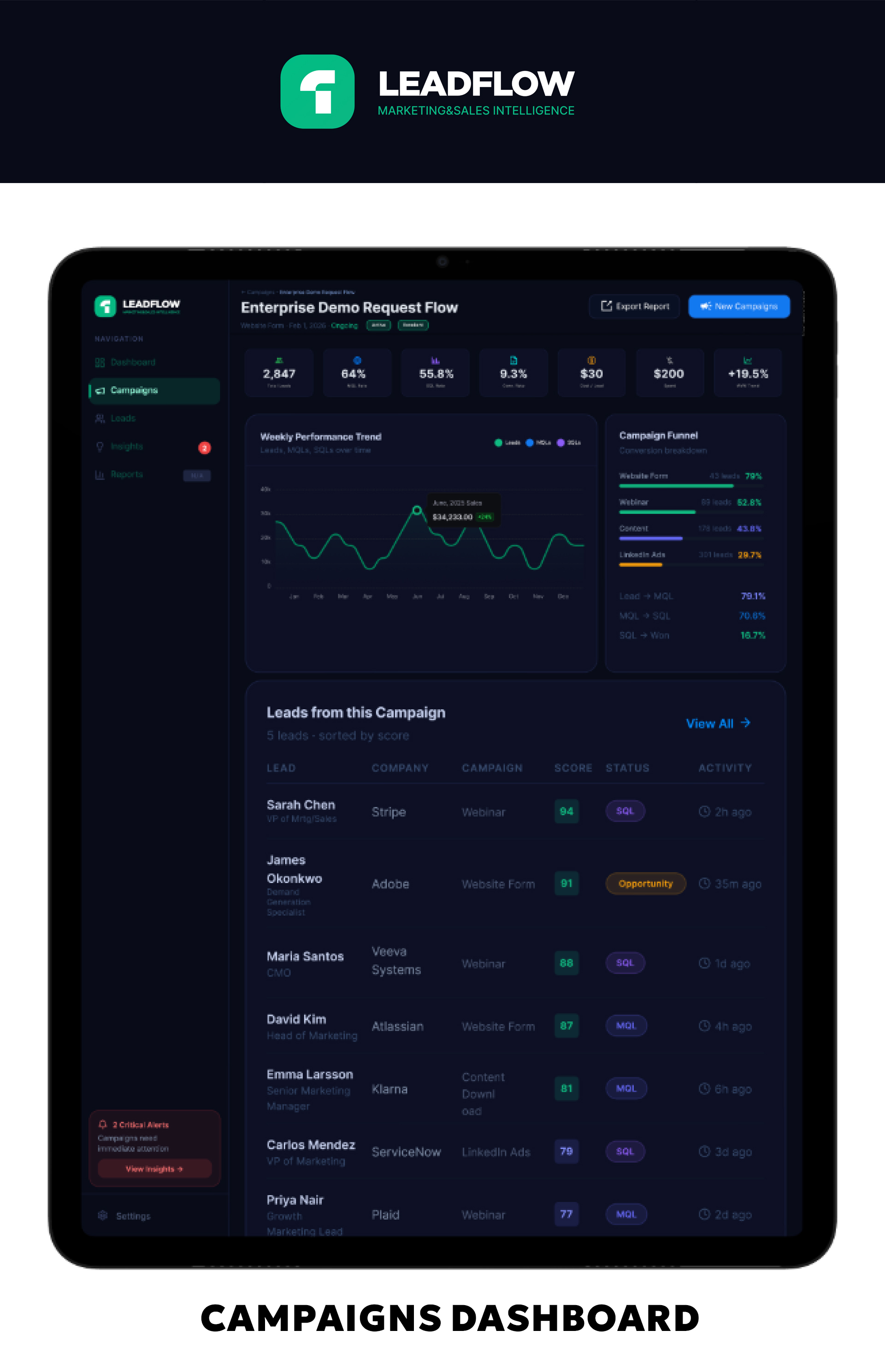
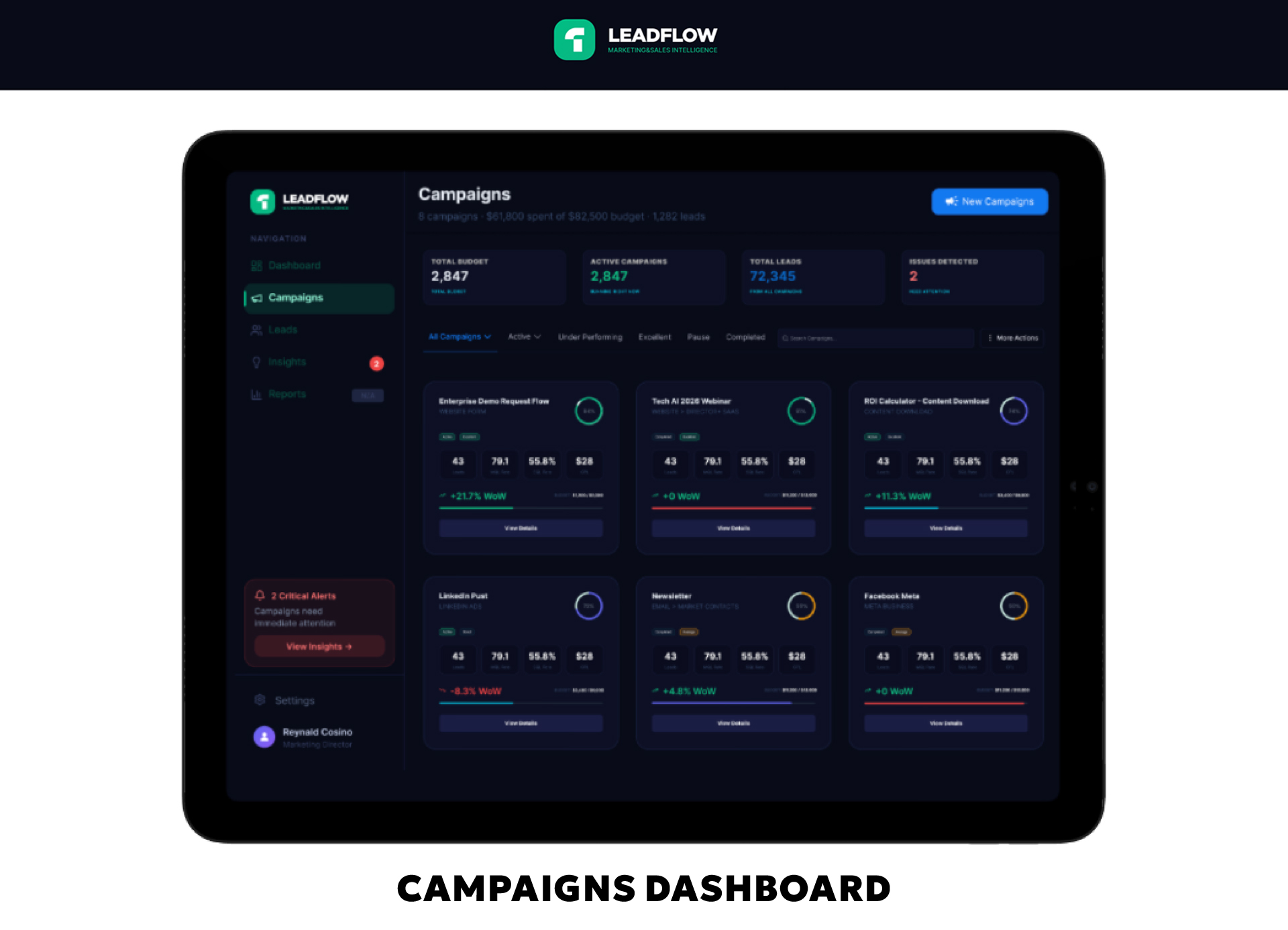
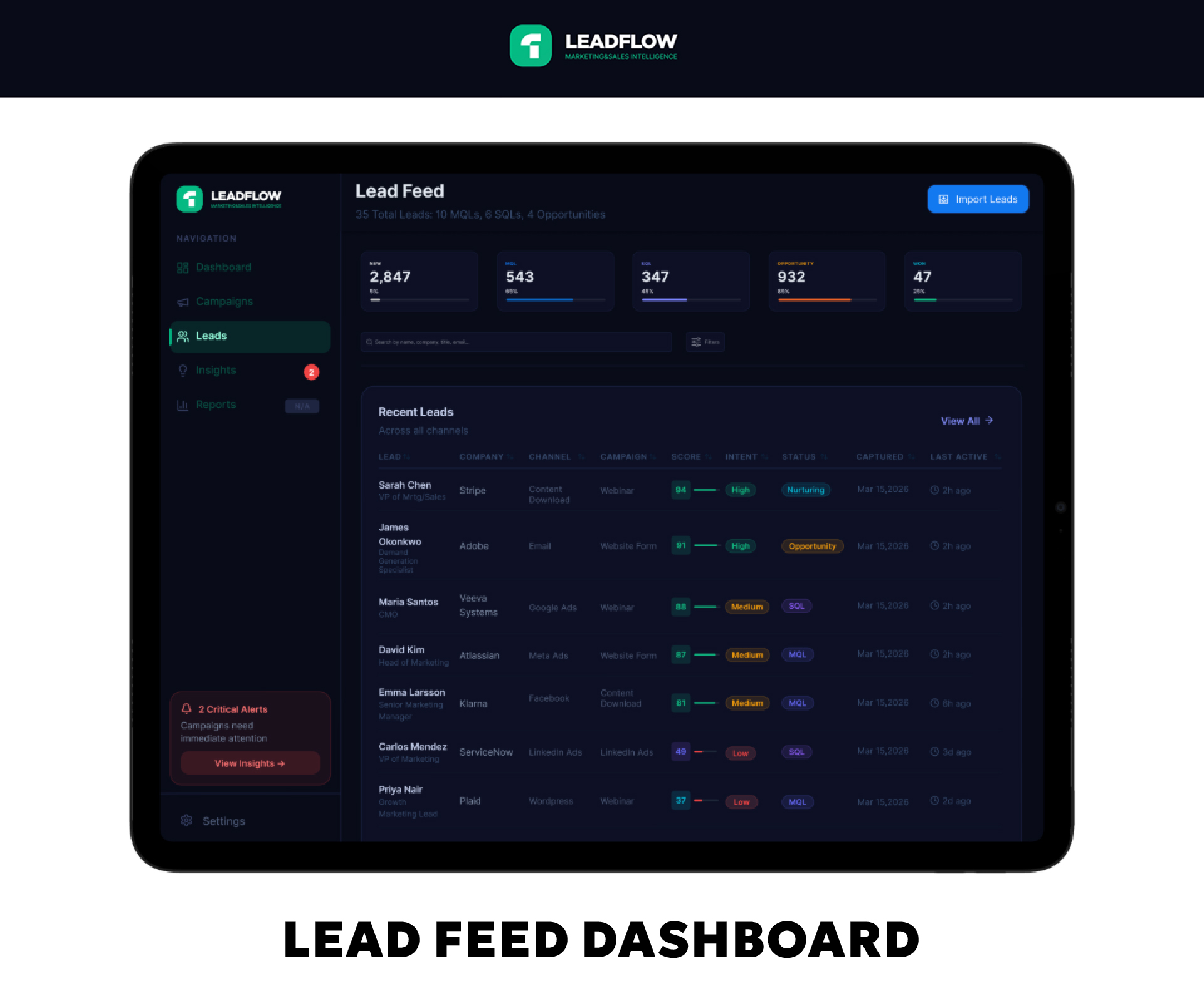
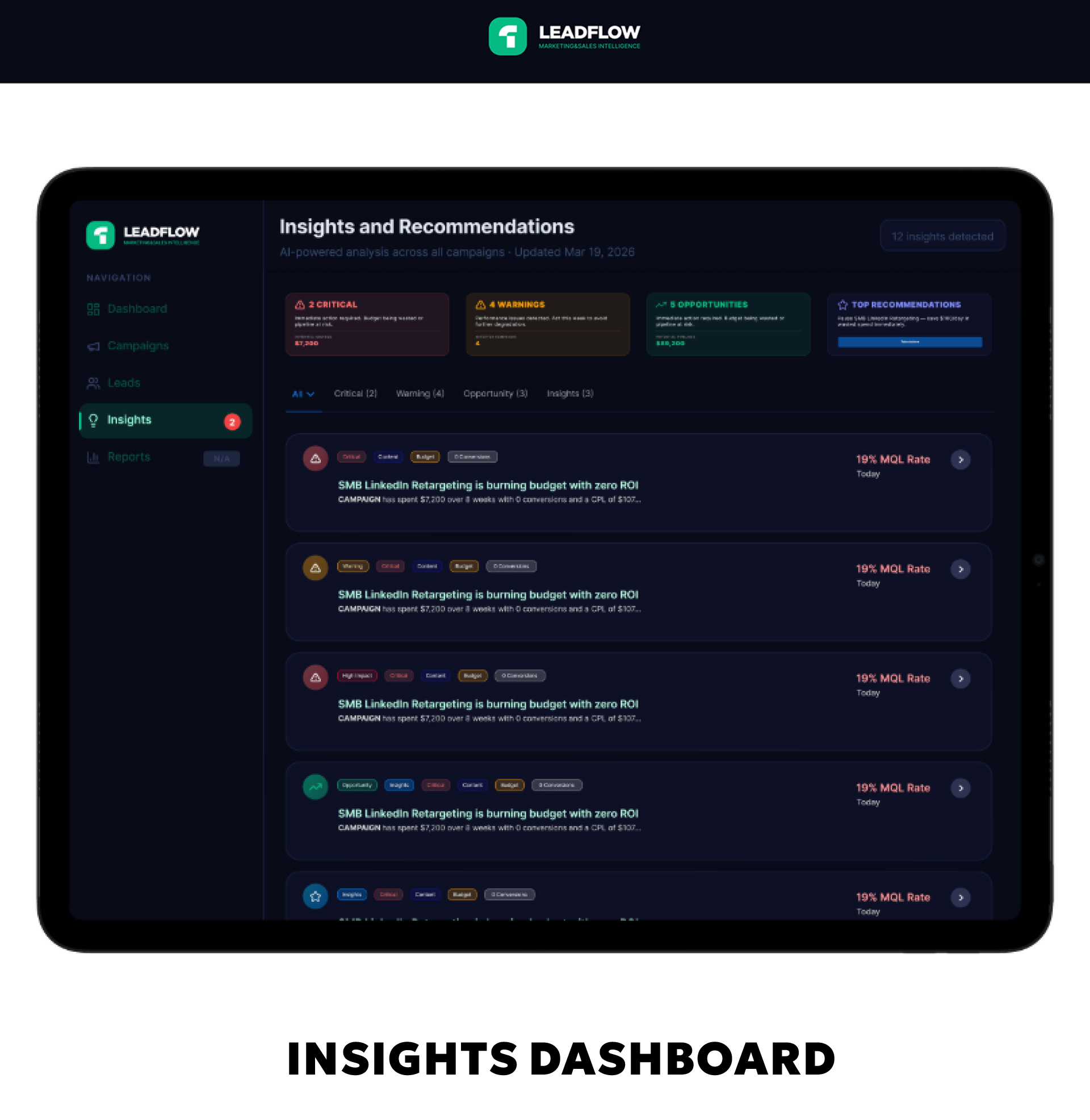
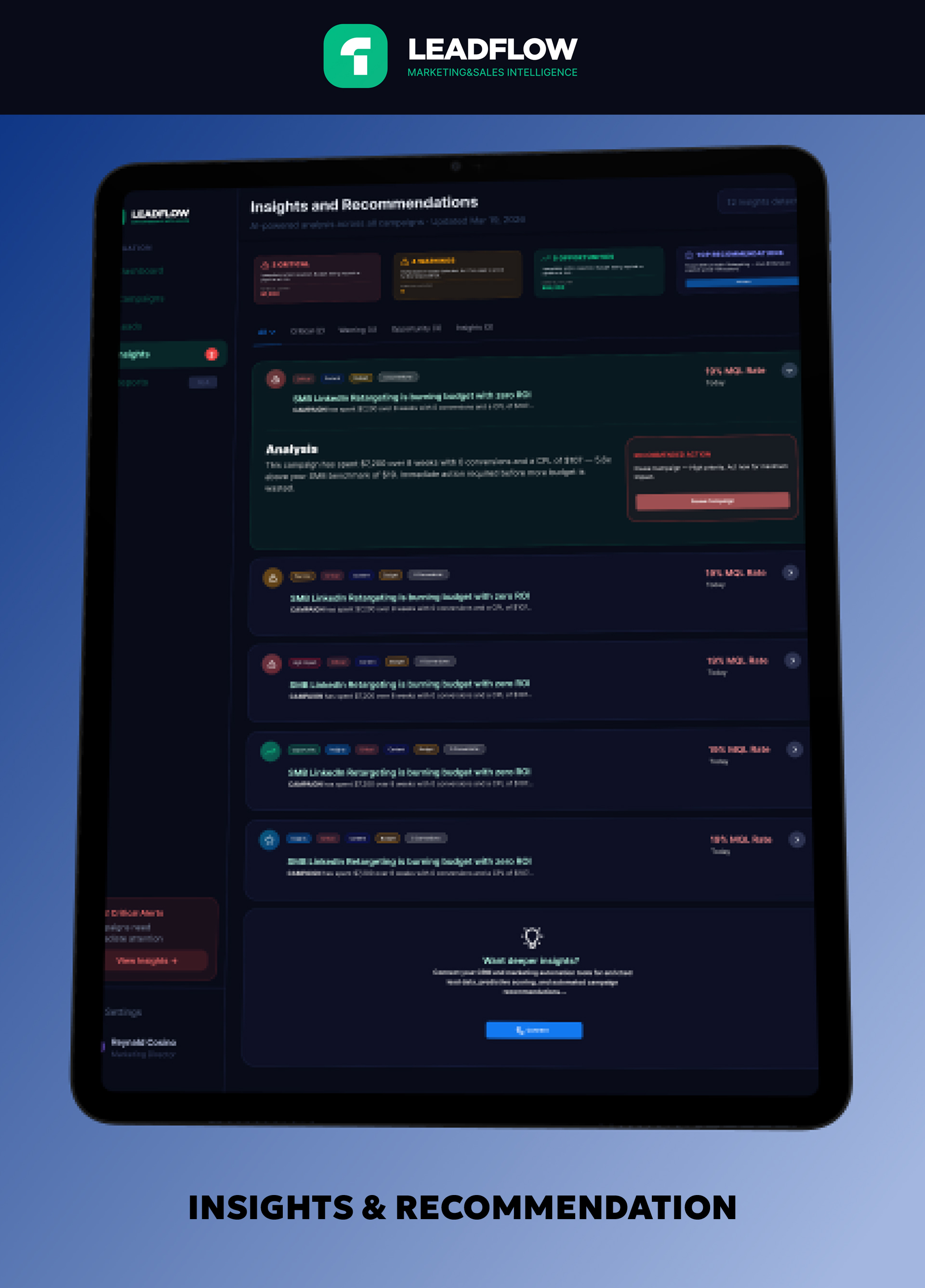
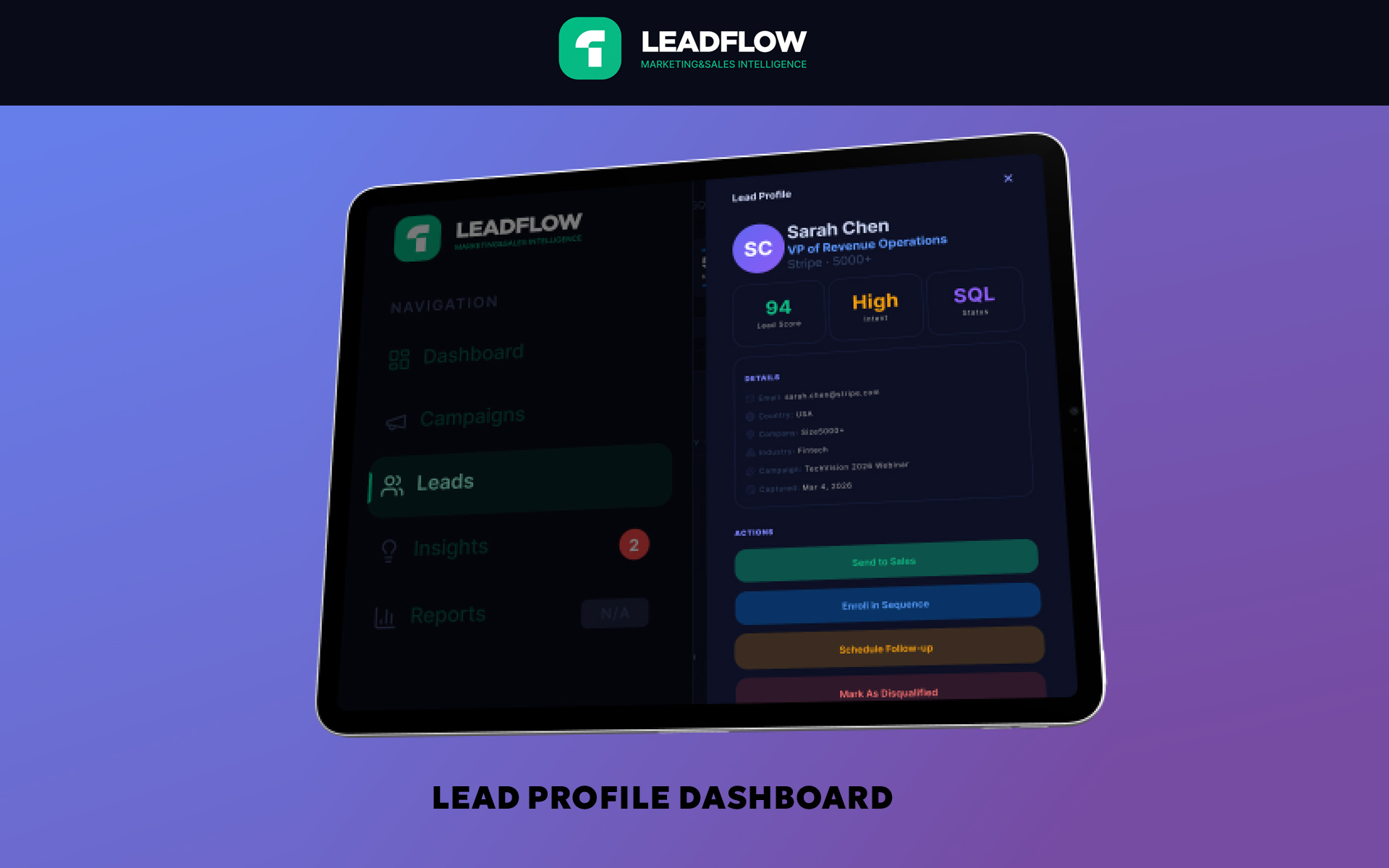
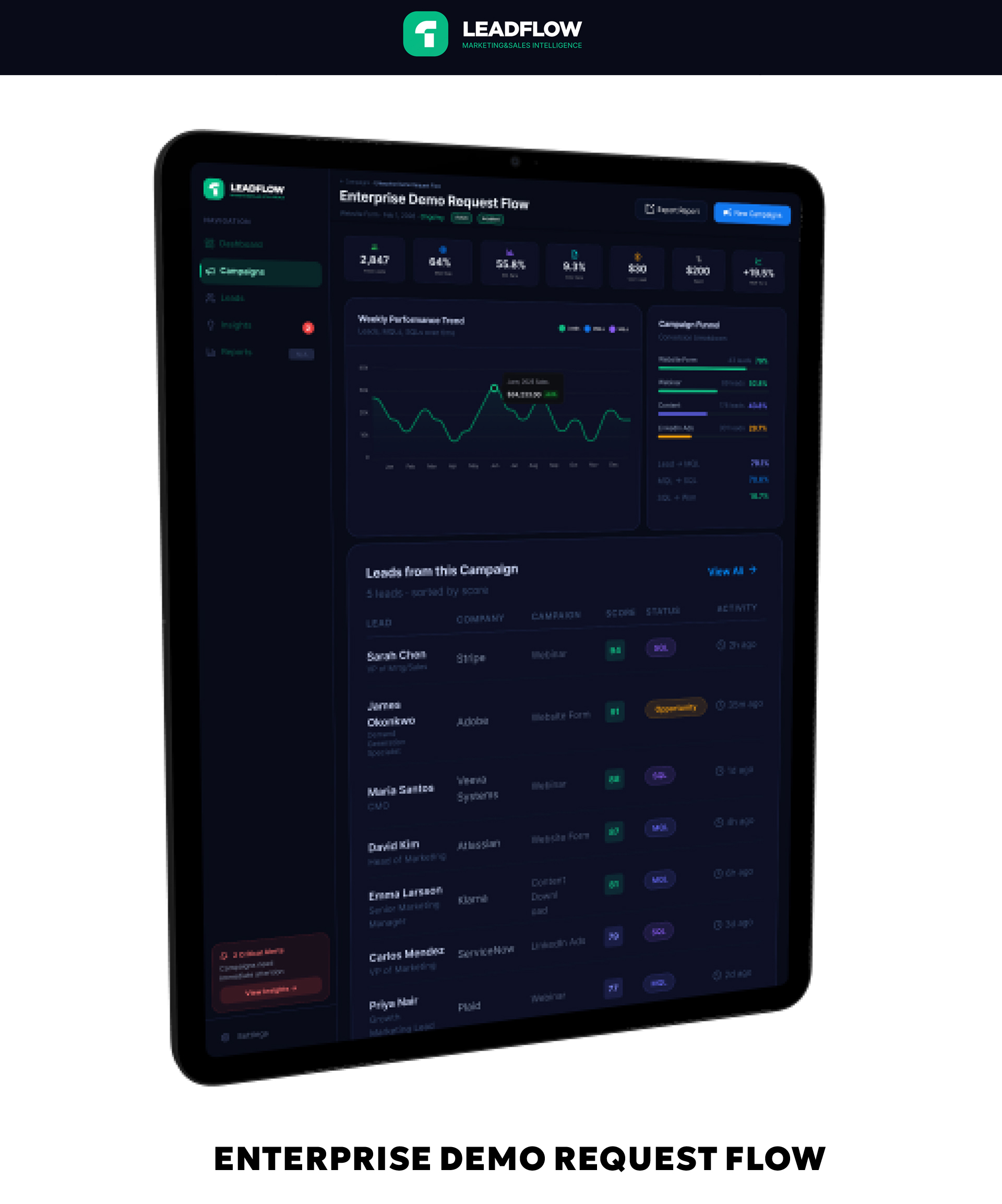
LeadFlow is a marketing and sales intelligence dashboard. The designs cover the main dashboard, campaigns, a campaign detail page, a lead feed, and AI-powered insights and recommendations.
Problem
Marketing teams often track budget, campaigns and leads in separate tools, which makes it hard to see which campaigns are working and which need attention right now.
Define
Show leads, spend and performance on one dashboard, surface critical alerts before they're missed, and let users go from a warning straight to the campaign behind it.
Solution
The dashboard opens with key totals and a count of critical alerts and warnings. Campaigns show spend against budget and leads per campaign, the lead feed groups MQLs, SQLs and opportunities, and the insights page ranks detected issues by urgency, each with a recommended action.
Results
Outcome
7 dashboard screens in Figma: dashboard, campaigns, campaign detail, lead feed, insights and an alerts view.